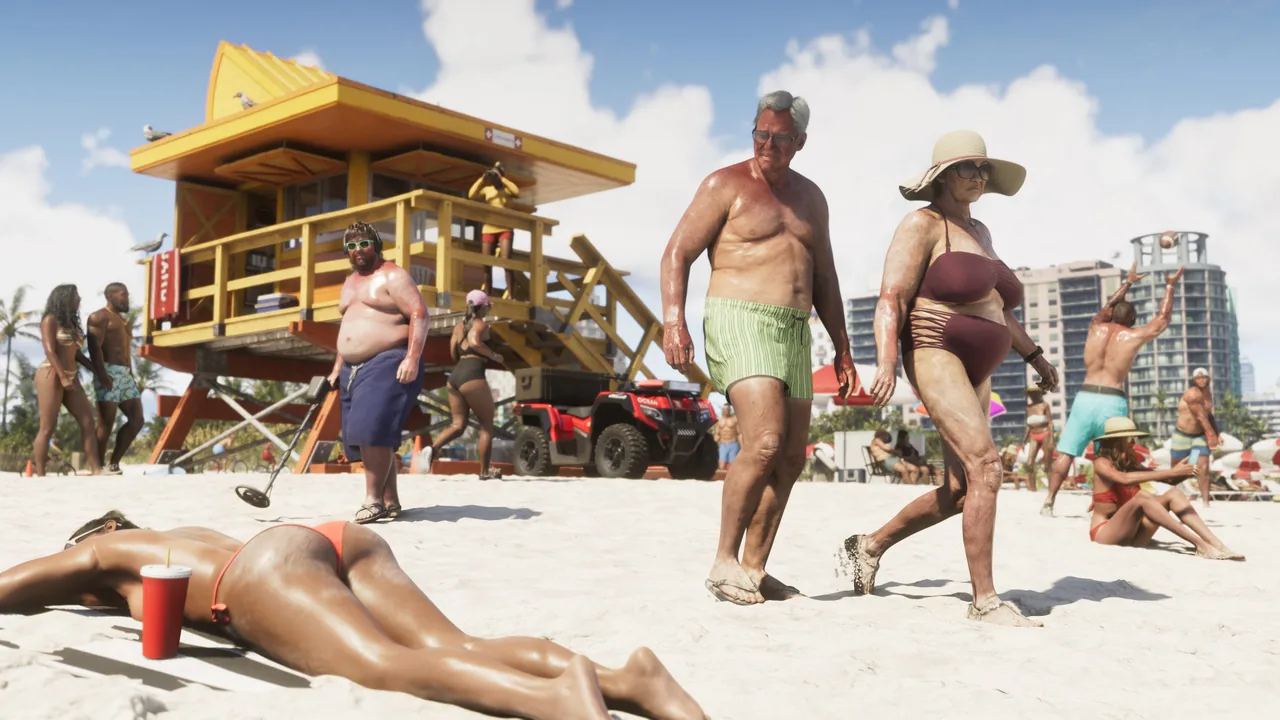
On November 23, Rockstar rolled out the first official post-launch patch for GTA VI: version 01.002.002 on PS5 and 1.0.2.2 on Xbox Series X|S. It is the first real update since the game went live worldwide on November 19, and every copy receives it.
Seven official fixes
Unlike the silent pre-launch updates, this time Rockstar published a full fix list on Rockstar Support:
- Fixed several issues that caused the game to crash.
- Fixed an issue that resulted in the weather not changing for extended periods.
- Fixed an issue that resulted in the game not autosaving correctly.
- Fixed several issues that resulted in phone calls not triggering correctly, including those that progressed the story or unlocked mission content.
- Fixed an issue that resulted in players being unable to lose their Wanted Level.
- Fixed an issue that resulted in the player being unable to use the deadlift bar in the Gym.
- Fixed an issue that resulted in partners not handing over bags so players could sell them to fences.
Every entry is a bug fix — no new missions, characters, vehicles or gameplay were added. The story-call and Wanted Level fixes matter most, since they directly affected main-story progression and police chases.
Version and rollout
- PS5: about 603.8 MB; Xbox Series X|S: about 1.6 GB
- Rolled out in waves — according to data miner Tex2, about 33% of PS5 players received it in the first batch; retry later if your console has not been offered it
- This is the third update since pre-loading:
01.002.000(Nov 13) and01.002.001(Nov 16) were mandatory pre-launch patches; this one is the first after release
How to check for the update
- PS5: highlight the game on the home screen, press Options, then select Check for Update
- Xbox: highlight the game, open the Menu, choose Manage game and add-ons, then Updates
Consoles with automatic updates enabled will download it on their own. Fully close the game before installing and relaunch afterwards so the new version takes effect. If a story call still has not arrived after updating, check your phone messages and map for a new mission marker before assuming the game is stuck.